
 Getting started & help
WoW x5 realmlist: how to set realmlist correctly
The realmlist.wtf file is what links your WoW 1.12.1 client to our server. A single wrong character leaves you with an empty realm list or a connection error. This page covers where to put the address, the exact line to use, and why realmlist sometimes 'won't save'.


Contents
◆The correct realmlist line
Open realmlist.wtf and reduce it to a single line:
set realmlist play.wowx5.ruNothing else should remain in the file — no old Blizzard addresses, no leftover junk lines. Type the address exactly: play.wowx5.ru.
◆Where realmlist.wtf lives
In the original 1.12.1 client the file sits right in the game root, next to WoW.exe. Builds with locale folders keep it under Data:
| Client language | File path |
|---|---|
| Original 1.12.1 | realmlist.wtf in the game root |
| English | Data\enUS\realmlist.wtf |
| Russian | Data\ruRU\realmlist.wtf |
Open it with Notepad: right-click → "Open with" → "Notepad". On macOS use TextEdit in plain-text mode.
If there are several realmlist.wtf files (in the root and in enUS/ruRU), put the line into every copy. That way you are sure to hit the file your client actually reads.
Config.wtf and the realm name
Config.wtf sits in the WTF folder inside the game directory. The client sometimes caches an old address in the SET realmName line. If the server still won't appear after fixing realmlist, open Config.wtf, delete the SET realmName "..." line and save. The client will re-read the address from realmlist on the next login.
Common mistakes
- The file became
realmlist.wtf.txt. With hidden extensions on, Windows appends.txt. Enable file extensions and rename it back torealmlist.wtf. - The file is read-only. If the game lives in
Program Files, Windows may block saving. Move the client to a simple folder likeC:\WoW\or clear the "Read-only" attribute. - Extra lines. Keep only
set realmlist play.wowx5.ru. Comments and old addresses interfere. - Typos. Type the address by hand in Latin characters to avoid invisible look-alike letters.
◆How to confirm it worked
- Launch
WoW.exe(run as administrator on Windows 10/11). - Enter your site login and password.
- WoW x5 should appear in the realm list.
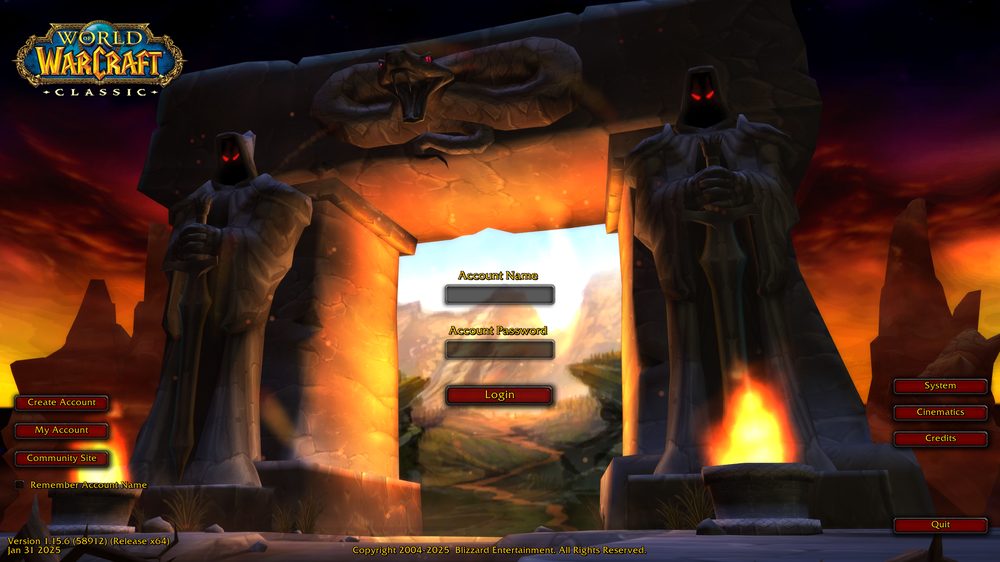
If it doesn't, revisit "Common mistakes" and check Config.wtf. Full first-login walkthrough is in the connection guide.
◆See also
- How to connect to WoW x5
- Download and install the 1.12.1 client
- "Unable to connect" error
- Troubleshooting common issues
---
Download the WoW x5 client and enter set realmlist play.wowx5.ru — that is all you need to log in.
FAQ
?What is the realmlist for the WoW x5 server?
There is one correct line: set realmlist play.wowx5.ru. Put it in realmlist.wtf — in the original 1.12.1 client it sits in the game root next to WoW.exe, in some builds in Data/enUS/ (or Data/ruRU/ for the Russian client).
?I set the address but no realm shows up. What now?
Make sure the file is named realmlist.wtf and not realmlist.wtf.txt, and that it holds only one line. Then open WTF/Config.wtf in the game folder and delete the SET realmName line.
?Realmlist won't save, it throws a write error.
The game is in a protected folder (Program Files). Move the client to C:\WoW\ or clear the Read-only attribute on realmlist.wtf.
 Related
Connecting to WoW x5: the complete setup guideGetting started & help · 3 min read
WoW Classic X5 Troubleshooting GuideGetting started & help · 3 min read
Wowhead 1.12: Item, Quest and Spell Database for WoW ClassicGetting started & help · 2 min read
 WoW client downloads slowly: how to speed up the downloadGetting started & help · 2 min read
Now jump into WoW Classic X5
Theory alone gives no XP. Join WoW Classic X5 — Vanilla 1.12.1, x5 rates, blizzlike mechanics — and try this guide in game.
- Create an account on wowx5.ru
- Download the WoW Classic 1.12.1 client
- Put into realmlist.wtf:
set realmlist play.wowx5.ru
 Experience ×5
 Loot ×5
 Free, no pay-to-win