
 Getting started & help
Download and Set Up the WoW Classic 1.12.1 Client
To play on WoW Classic X5 you need the World of Warcraft 1.12.1 client — the final patch of original Vanilla WoW. No other client version will connect to our server. This guide walks you through downloading, installing, and configuring everything from scratch.
Contents
 System Requirements
WoW 1.12.1 is a 2006-era game and runs on virtually any modern PC without issue.
| Component | Minimum | Recommended |
|---|---|---|
| OS | Windows XP / Vista / 7 | Windows 10 / 11 (64-bit) |
| CPU | 1 GHz | 2 GHz+ |
| RAM | 512 MB | 1 GB+ |
| GPU | 32 MB VRAM | 128 MB VRAM+ |
| Disk space | 6 GB | 8 GB (with patches) |
| Internet | Any stable connection | — |
 Where to Download the Client
Blizzard no longer distributes the 1.12.1 client. You can obtain it from:
- The wowx5.ru download page — this is the recommended option. We host a verified client build pre-configured for our server, so you only need to confirm the realmlist.
- Trusted Vanilla WoW community archives or torrent sites — always verify file checksums (MD5/SHA1) before installing from third-party sources.
Downloading from our site is strongly recommended — the build is tested, safe, and may already include the correct realmlist setting.
Installation
- Run the installer (
Installer.exeor equivalent) as Administrator. - Choose an installation directory. Avoid
Program Files— Windows permission restrictions in that folder can cause issues with patches and addon writes. Use a path likeC:\Games\WoWinstead. - Wait for installation to complete (3–10 minutes depending on disk speed).
- Do not launch the game yet — set up the realmlist first (next section).
Configuring realmlist.wtf
This is the most important configuration step. The realmlist.wtf file tells your client which server to connect to.
- Open your WoW installation folder.
- In the original 1.12.1 client the file sits right in the game root, next to
WoW.exe; some builds keep it inData\enUS\(English client) orData\ruRU\(Russian client). If there are several copies, fix them all. - Open
realmlist.wtfin Notepad or any plain-text editor. - Delete everything in the file and enter this single line:
set realmlist play.wowx5.ru- Save the file (Ctrl+S) and close the editor.
If realmlist.wtf doesn't exist, create it as a new text file with that exact content.
Watch for hidden .txt extensions — make sure the file is named realmlist.wtf, not realmlist.wtf.txt.
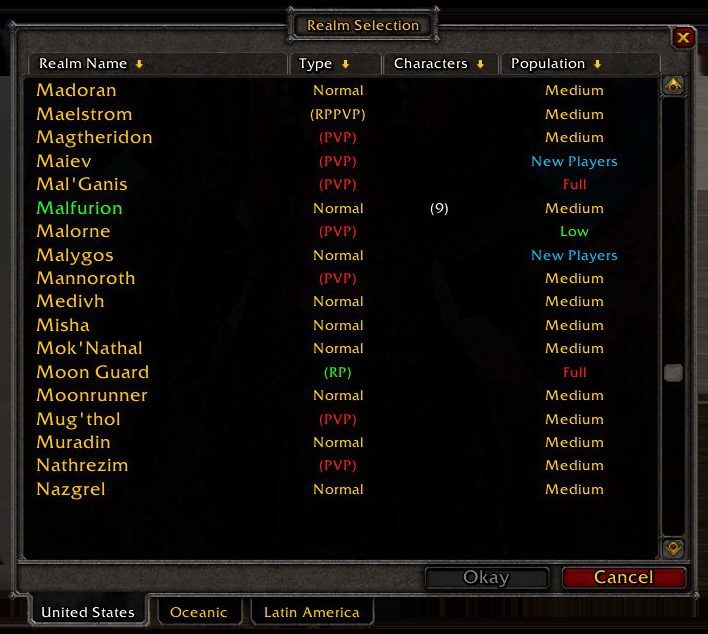
Once you log in with the correct realmlist, the client shows the realm selection window — the WowX5 realm should be listed there.
◆Launching the Game
- Open the WoW folder and run
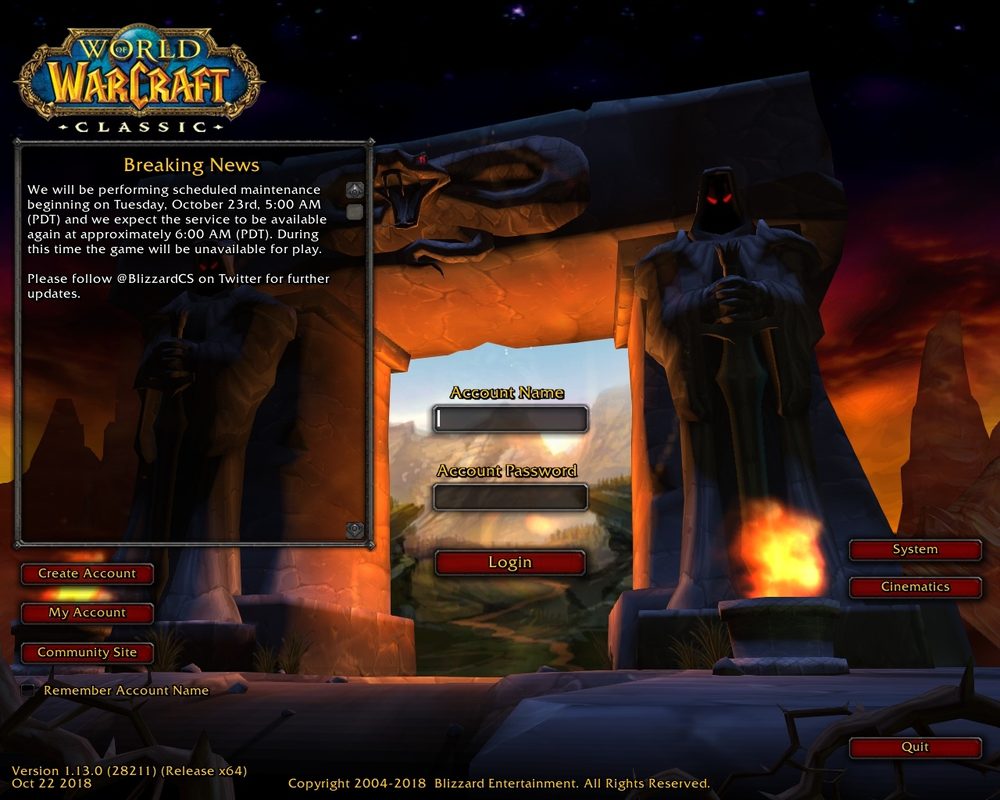
wow.exeas Administrator. - On the login screen, enter the username and password you registered with at wowx5.ru.
- Select the realm from the list — WoW Classic X5 should appear.
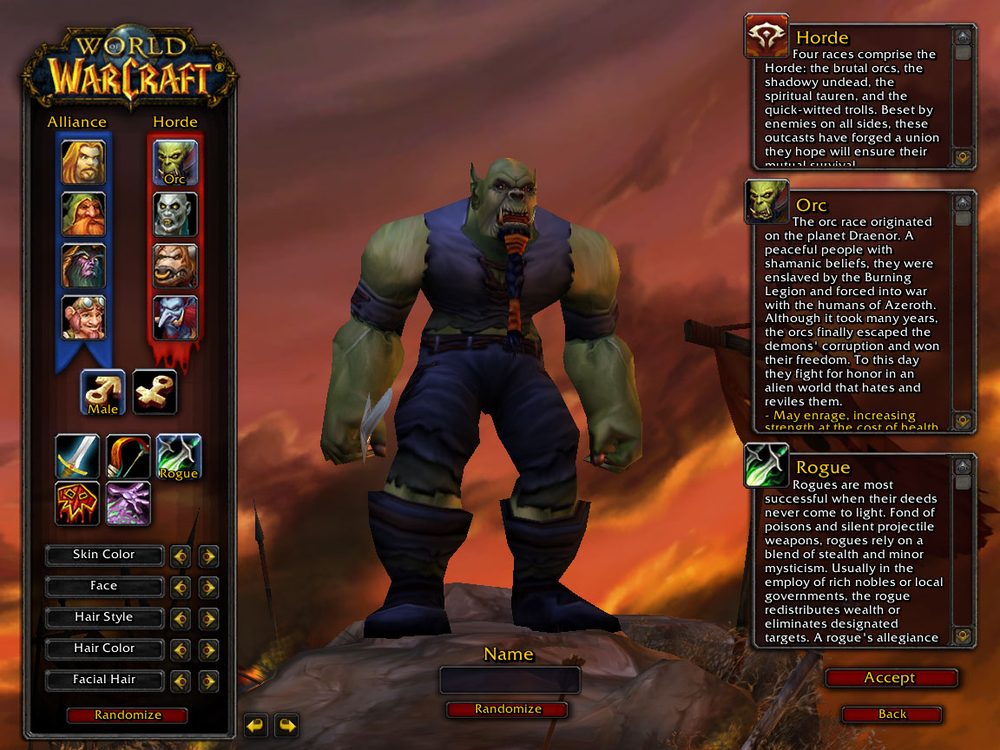
- Create a character and start playing.
◆Windows 10 and Windows 11 Compatibility
The 1.12.1 client was built for Windows XP but works well on modern systems. If you encounter launch issues:
- Right-click
wow.exe→ Properties → Compatibility tab. - Check "Run this program in compatibility mode for" and select Windows XP (Service Pack 3).
- Also check "Run this program as an administrator."
- Click OK and try launching again.
On some Windows 11 systems, also disabling fullscreen optimisations (in the same Compatibility tab) resolves graphical glitches.
◆Optional: Russian Language Patch
If you prefer a Russian interface and voice-over:
- Download the Russian localisation patch from the download page.
- Run its installer as Administrator.
- After installation completes, set the realmlist in
Data\ruRU\realmlist.wtftoset realmlist play.wowx5.ru(same as above).
If you run into any issues after following this guide, check the troubleshooting page or open a support ticket in-game with .ticket <your question>.
 FAQ
FAQ
?Does WoW 1.12.1 run on Windows 10 and Windows 11?
Yes. WoW 1.12.1 runs on Windows 10 and 11. If it doesn't launch, set compatibility mode to Windows XP SP3 (right-click wow.exe → Properties → Compatibility).
?How much disk space does the WoW 1.12.1 client need?
The installed client takes approximately 6 GB. Make sure you have at least 8 GB free to allow room for patches and cache.
?What do I put in realmlist.wtf to connect to WoW Classic X5?
The file should contain exactly one line: set realmlist play.wowx5.ru
Related
 Download the WoW 1.12.1 client via torrentGetting started & help · 2 min read
 Download WoW Vanilla (1.12.1 client) for the X5 serverGetting started & help · 2 min read
 Dual monitors and WoW Vanilla: setup without cursor escapeGetting started & help · 1 min read
Decursive: curse and poison dispelling in WoW Classic x5Getting started & help · 2 min read
Dual monitors and WoW Vanilla: setup without cursor escapeGetting started & help · 1 min read
Decursive: curse and poison dispelling in WoW Classic x5Getting started & help · 2 min read
Now jump into WoW Classic X5
Theory alone gives no XP. Join WoW Classic X5 — Vanilla 1.12.1, x5 rates, blizzlike mechanics — and try this guide in game.
- Create an account on wowx5.ru
- Download the WoW Classic 1.12.1 client
- Put into realmlist.wtf:
set realmlist play.wowx5.ru
 Experience ×5
 Loot ×5
 Free, no pay-to-win